Canvas fingerprinting, explained
How the HTML5 canvas becomes a tracking signal, why the same code renders differently across devices, and how to keep canvas output consistent per identity.

TL;DR
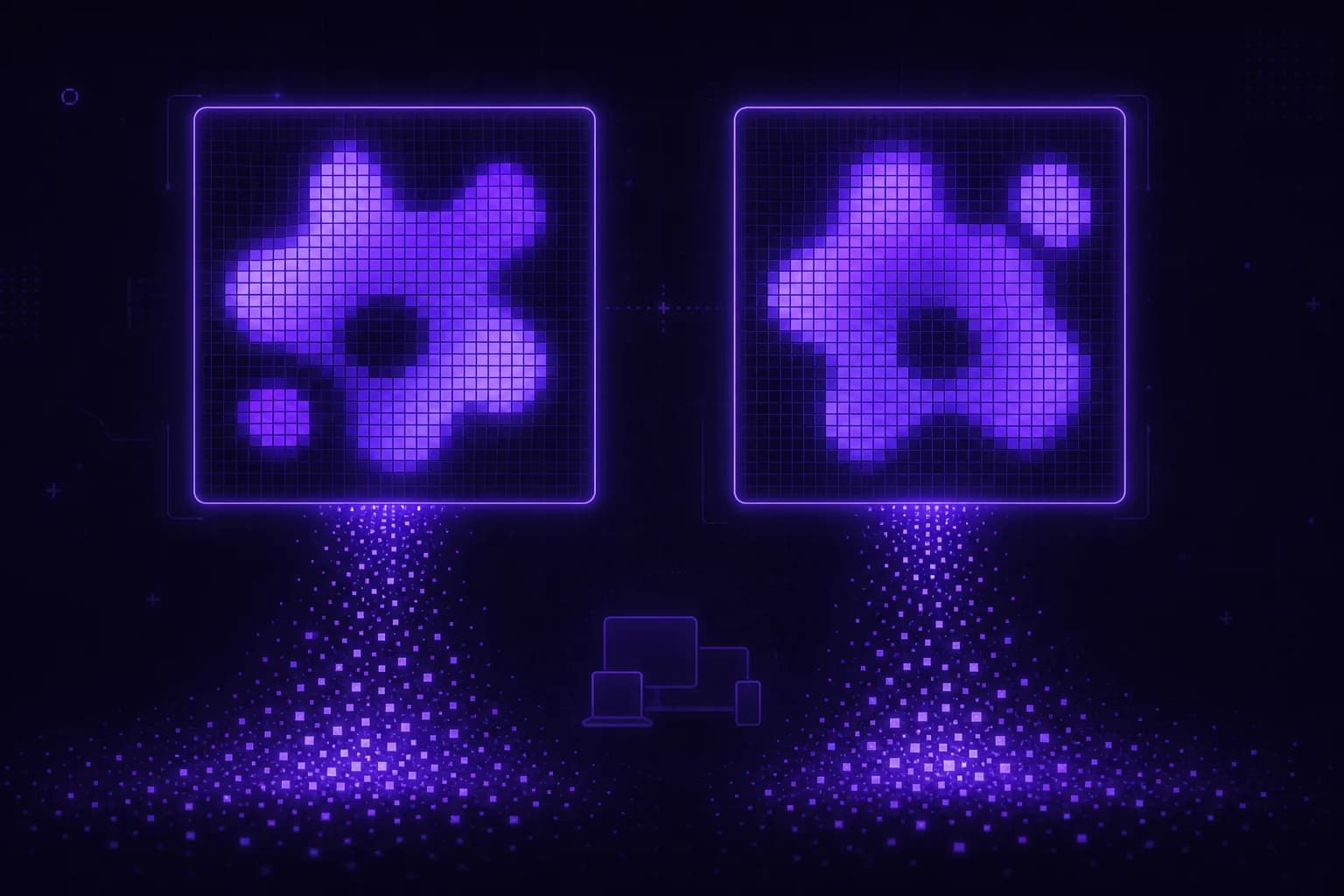
Canvas fingerprinting asks your browser to draw text and shapes, then hashes the pixels. Tiny differences in GPU, drivers, fonts and anti-aliasing make that hash device-specific. A good defense produces a stable canvas hash per profile, not a new one each visit.
The HTML5 <canvas> element lets a page draw graphics with JavaScript. It is also one
of the most reliable fingerprinting surfaces on the web.
How it works
A script draws some text and shapes to an off-screen canvas, then calls
toDataURL() (or reads pixels via getImageData()) and hashes the result:
const canvas = document.createElement("canvas");
const ctx = canvas.getContext("2d");
ctx.textBaseline = "top";
ctx.font = "16px 'Arial'";
ctx.fillText("VeilBrowser 😃", 2, 2);
const hash = await sha256(canvas.toDataURL());
The exact pixels depend on the GPU, graphics drivers, installed fonts, sub-pixel anti-aliasing and the OS text renderer. Two machines rarely produce identical output, so the hash acts as a stable identifier.
Why it is so effective
- It runs silently and quickly, with no permission prompt.
- The output is stable across sessions on the same device.
- It combines with other signals (WebGL, fonts) to raise uniqueness sharply.
What bad spoofing looks like
Two failure modes stand out:
- Per-request randomization. If the canvas hash changes every visit, the site sees an "impossible" device and flags it. Real devices do not do this.
- Inconsistent noise. Adding noise that does not match the claimed platform (for example, macOS anti-aliasing on a Windows user-agent) is a giveaway.
What good control looks like
The right approach is deterministic per profile: the canvas output is a property of the browser build itself, so a given profile renders the same result every time, consistent with its platform, GPU and fonts. Across profiles the output differs, as different devices would, but within a profile it is rock-steady.
VeilBrowser works this way because a profile is a curated browser build rather than a set of runtime patches. You choose which build by describing the device you want, and the canvas behaviour comes with it: profile-backed and deterministic by default, identical in headless and GUI, and overridable at launch when an operation genuinely calls for it. See fingerprints and profiles.
FAQ
Try it
Spin up profiles with stable, platform-consistent canvas output. Get started or read the docs.