WebGL and GPU fingerprinting
How WebGL exposes your graphics vendor, renderer and rendering quirks, and why GPU signals must stay consistent with the rest of a profile.

TL;DR
WebGL reveals your GPU vendor and renderer strings plus subtle rendering differences. These are highly identifying and must agree with the profile's OS and canvas. Emulate a believable GPU consistently, and do not leak the host's real one.
WebGL gives web pages access to hardware-accelerated graphics. In doing so, it exposes a lot about the machine underneath.
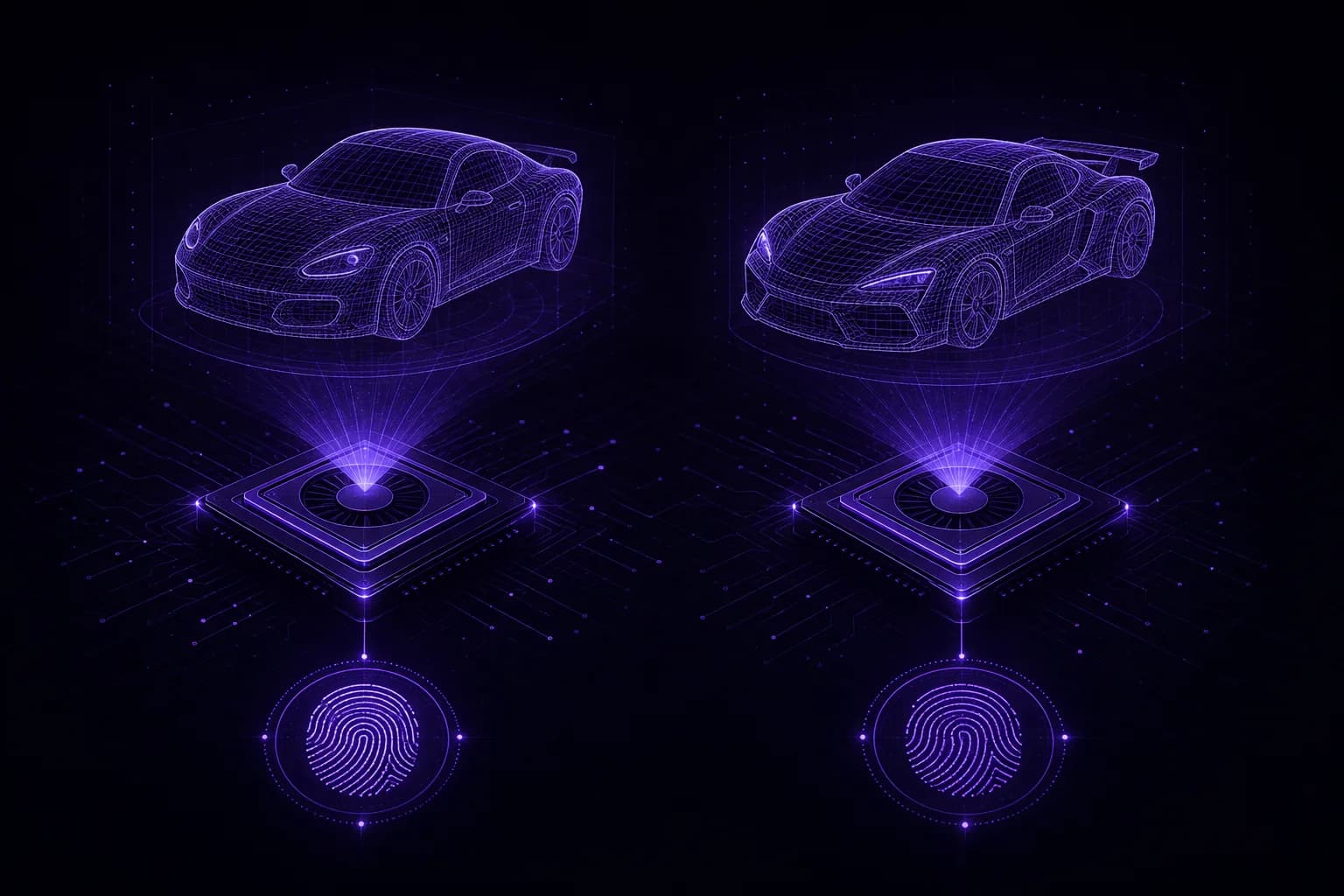
The signals WebGL exposes
- Vendor and renderer strings: via the
WEBGL_debug_renderer_infoextension, e.g.ANGLE (NVIDIA GeForce RTX 4070 ...). These are extremely identifying. - Supported extensions and parameters: max texture size, precision, and dozens of capability values that vary by GPU and driver.
- Rendering output: like canvas, rendering a scene and hashing the pixels yields a device-specific value.
const gl = document.createElement("canvas").getContext("webgl");
const info = gl.getExtension("WEBGL_debug_renderer_info");
const vendor = gl.getParameter(info.UNMASKED_VENDOR_WEBGL);
const renderer = gl.getParameter(info.UNMASKED_RENDERER_WEBGL);
Why it is tricky to spoof
The GPU signal is not one value; it is a whole cluster that must be self-consistent:
- The renderer string must match a plausible vendor.
- Reported parameters must match what that GPU actually supports.
- The rendered pixels must be consistent with the claimed GPU and the OS.
- All of it must agree with the canvas, user-agent and platform.
Faking just the renderer string while the parameters and pixels betray a different GPU is worse than not faking at all.
Consistency across the profile
A believable profile presents one coherent machine. In VeilBrowser the GPU story is part
of the browser build you select, so by default the vendor string, the WebGL parameters
and the rendered pixels agree with each other and with the profile's platform. That
coherence is the point. The renderer criterion steers selection when you need a GPU
class, matching against the unmasked renderer string, and launch arguments are there for
advanced cases that need a value pinned explicitly. In headless and GUI modes the signals
stay identical, which matters for automation. See
fingerprints.
Headless pitfalls
Headless browsers often fall back to a software renderer (like SwiftShader), which is a well-known automation tell. A profile that claims a consumer GPU but renders with a software backend is easy to flag. Consistent GPU emulation avoids that mismatch.
FAQ
Try it
Launch profiles with consistent, believable GPU signals across headless and GUI. Get started or read the connect guide.