WebRTC leaks and proxy consistency
Why WebRTC can expose your real IP behind a proxy, and how network-layer consistency keeps a profile's identity aligned with its exit IP.

TL;DR
WebRTC can reveal your real IP even when you use a proxy. Fingerprinting is not only a JavaScript problem: timezone, locale, DNS and WebRTC all have to match your exit IP. Align the whole network story per profile.
You can control canvas, WebGL, fonts and audio perfectly and still be caught by the network layer. The most common leak is WebRTC.
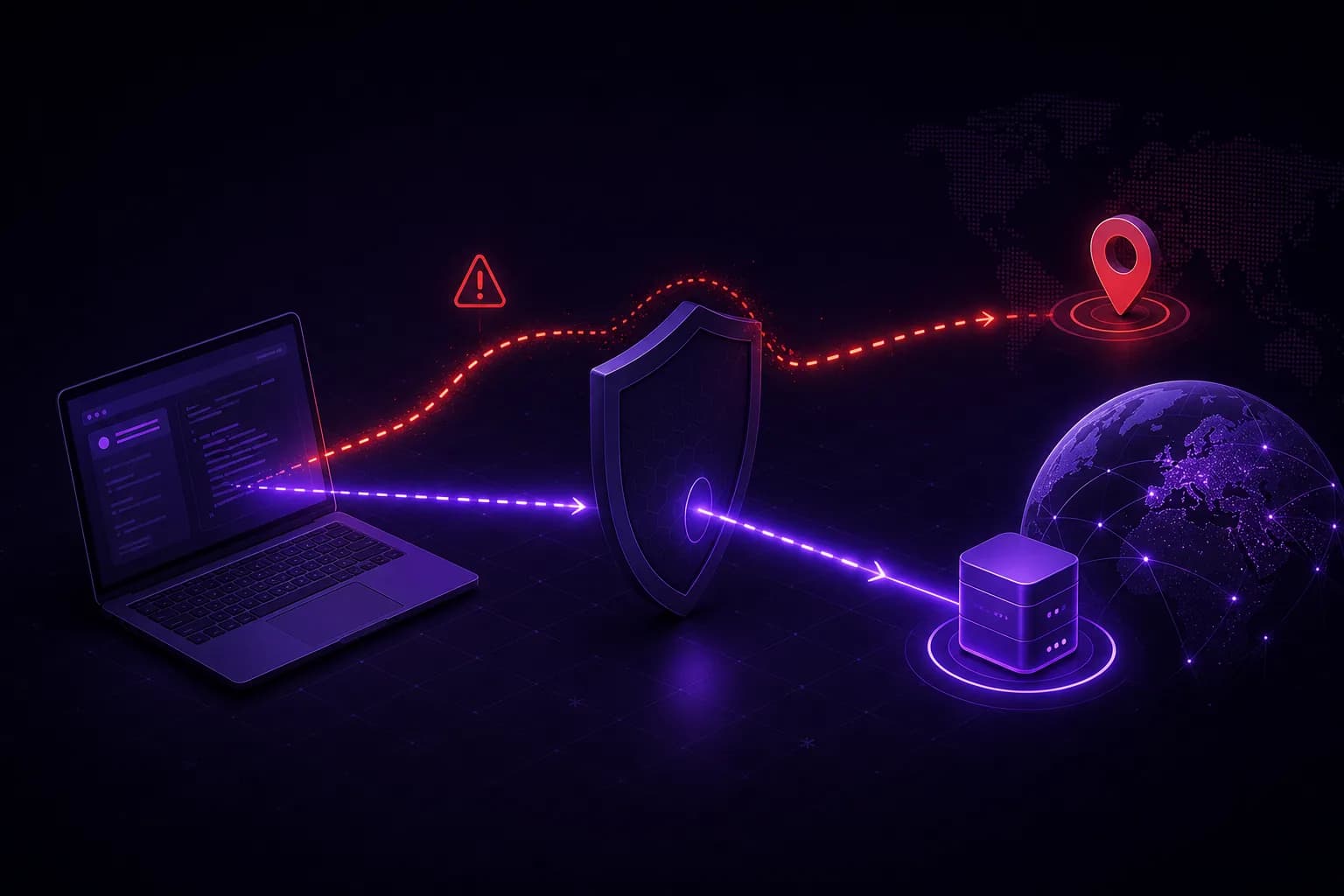
How WebRTC leaks your IP
WebRTC establishes peer-to-peer connections and, to do so, gathers ICE candidates (including your local and public IP addresses), often bypassing the HTTP proxy entirely. A page can read these candidates with a few lines of JavaScript:
const pc = new RTCPeerConnection({ iceServers: [] });
pc.createDataChannel("");
pc.onicecandidate = (e) => {
  if (e.candidate) console.log(e.candidate.candidate); // may contain your real IP
};
await pc.setLocalDescription(await pc.createOffer());
If your browser reports a proxy IP over HTTP but a different, real IP over WebRTC, the inconsistency is a strong signal, and it defeats the point of the proxy.
Consistency is a network problem too
A believable identity aligns everything to the exit IP:
- WebRTC reports the proxy's address, not the host's.
- Timezone matches the IP's region.
- Locale and
Accept-Languagematch too. - DNS resolves through the proxy (use SOCKS5H rather than SOCKS5 to avoid local DNS leaks).
Match the proxy to the identity
Even with leaks closed, the proxy itself has to fit the story. A "US home user" on a datacenter IP in another country is inconsistent. Prefer residential or mobile proxies that match the identity's region, and keep one proxy per profile.
VeilBrowser assigns a proxy per profile and derives timezone, locale, Accept-Language
and geolocation from that proxy's exit IP at launch, with no configuration: the
profile's proxy becomes the browser's own proxy, so the browser resolves the exit region
itself. WebRTC candidates are constrained to the proxy route through SDP and ICE control,
and QUIC and STUN are tunnelled over SOCKS5 so geo metadata does not escape around the
proxy. See the proxies guide and
network protection.
FAQ
Try it
Assign per-profile proxies with automatic geo alignment and no WebRTC leak. Get started or read the proxies docs.